Open
Start a personal recording from your own device.
 AndyNote
Your private meeting memory
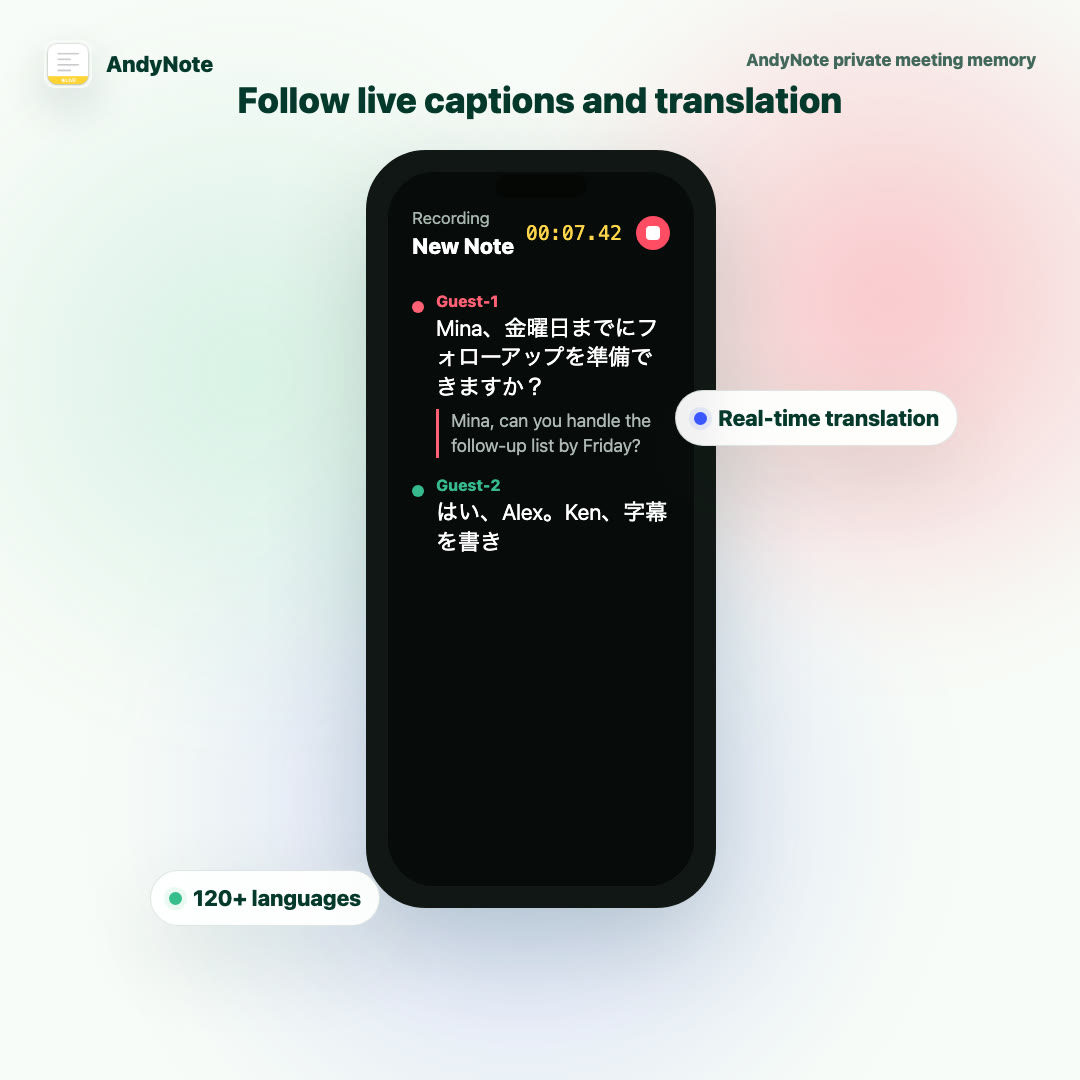
Record from your side, without adding a bot to the room. AndyNote helps you follow live translation and turns the conversation into notes when it ends.
How it works
AndyNote is for the moments when you want to stay present, keep your own memory, and avoid adding another visible participant to the call.
Start a personal recording from your own device.
Read live captions and translation while people speak.
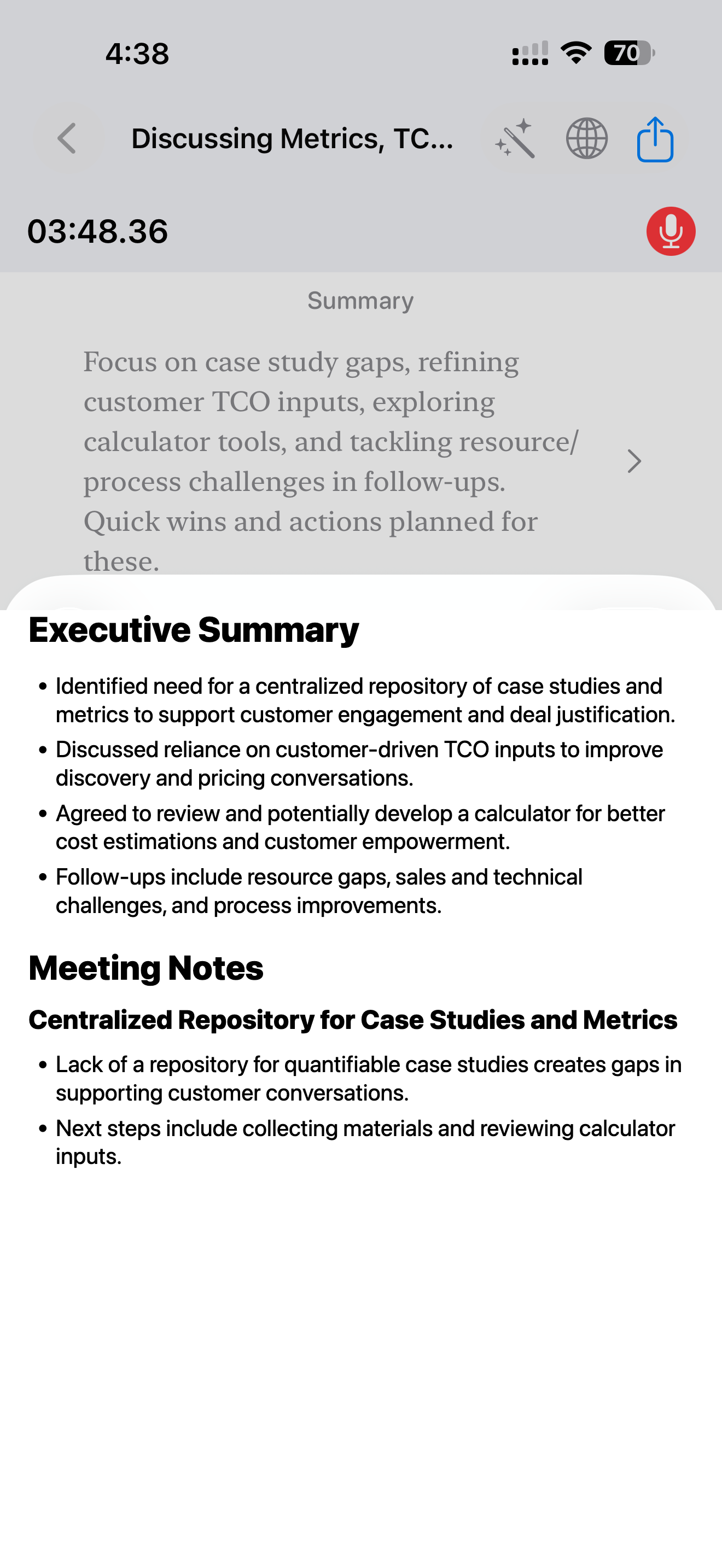
Review a concise note after the conversation ends.
Live translation
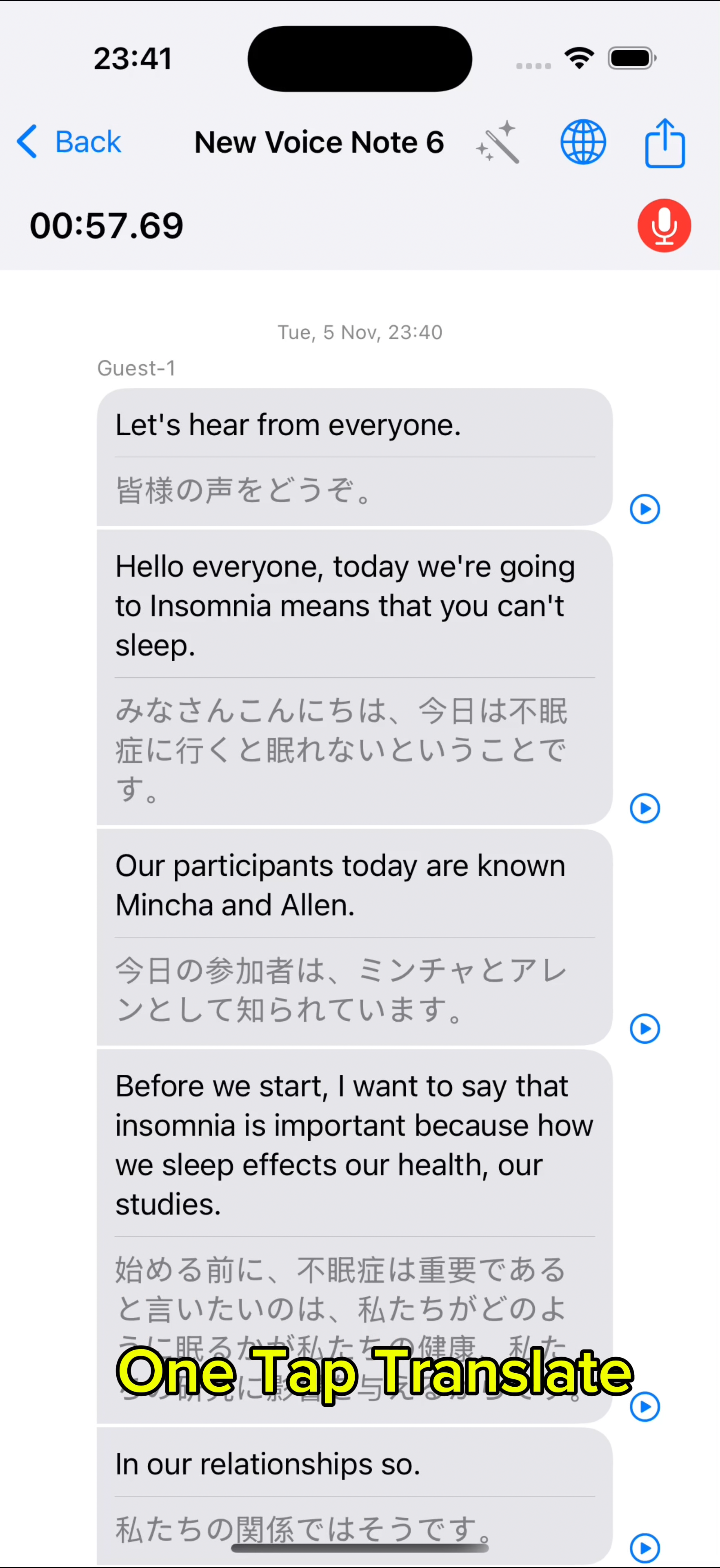
The recording screen is also the translation screen. You can listen, read, and keep the original transcript together without waiting until the end.
Speaker names
When someone says “Yes, Alex” or “Mina, can you…”, AndyNote uses that clue to replace anonymous guests with names you can scan later.
"Yes, Alex" points back to Guest-1.
"Mina..." is answered by Guest-2.
"Ken..." is answered by Guest-3.
Meeting notes
After recording, AndyNote shapes the transcript into a short recap with the decisions and follow-ups that matter.
Saved voice notes remain on your device. Transcription and AI features send required audio or text through encrypted cloud processing.
Share transcripts, captions, or notes when you decide they should leave your private record.
AndyNote
Open AndyNote before the conversation starts. No bot joins. No setup interrupts the room.